
How to Add Smart Home Technology to a Car Garage
Last Updated: November 1, 2026
Quick Summary
A smart garage is a car garage fitted with connected devices, such as a smart opener, LED lighting, sensors and an optional camera, that you can watch and control from a phone or voice assistant. The biggest benefit is knowing what your garage is doing at all times, from door status alerts to lights that come on before you arrive.
- A smart garage door opener can be added as a retrofit controller or as a full replacement.
- Confirm your Wi-Fi network broadcasts a 2.4 GHz band and reaches the motor, since most openers use it.
- Test safety sensors and Wi-Fi signal at the ceiling motor before installing anything.
- Keep a backup remote and a tested manual release so you are not locked out during an outage.
- Change default passwords and turn on updates, and put smart devices on a separate network where possible.
Table of Contents
- What Smart Home Technology Means for a Car Garage
- Smart Garage Door Opener Features and Setup
- Smart Garage Lighting for Safety and Convenience
- Garage Security Cameras and Monitoring
- Smart Garage Sensors for Door Status and Alerts
- Connectivity, Privacy and Outage Planning
- Booking Your Garage Technology Plan With Lux Garages
- Frequently Asked Questions
What Smart Home Technology Means for a Car Garage
Smart home technology for car garages is any connected device that lets you watch, control or automate your garage from a phone or voice assistant.
The biggest benefit is simple: you always know what your garage is doing.
This is also where the cost and planning questions begin. Every device needs power, a stable connection and a reason to be there.
Smart Garage Door Opener Features and Setup
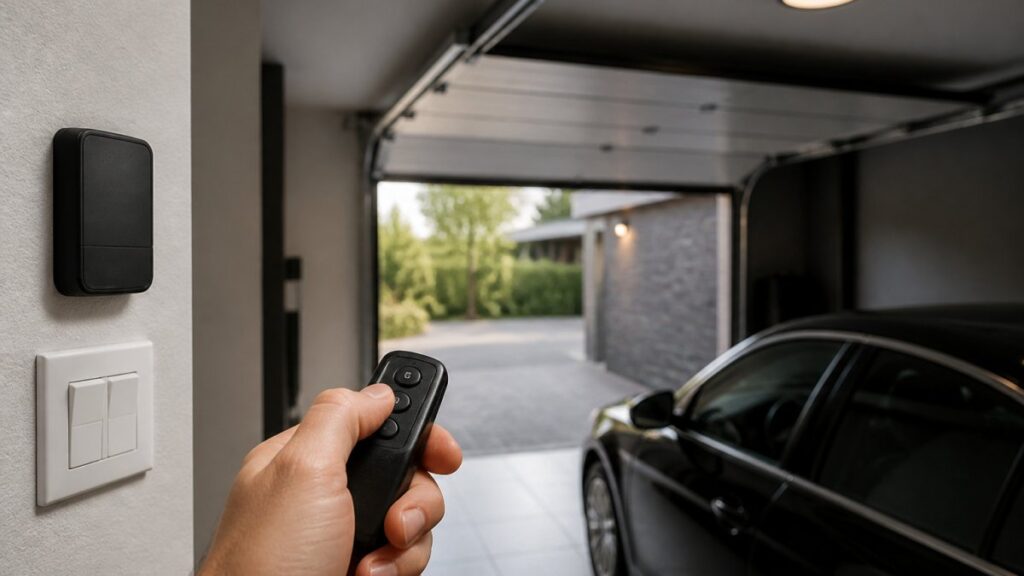
A smart garage door opener is the anchor of most garage automation setups. It replaces the old wall button with a unit you control from an app, and it usually adds:
- Remote control from a smartphone app
- Real-time door status and open or closed alerts
- Automatic closing timers that stop a door left open
Geofencing deserves a caution. It can be convenient, but it depends on your phone’s location settings and a steady connection. Test it before relying on it.
Retrofit Controller or Full Opener Replacement?
This is the first decision most homeowners face, and it is the one the feature lists skip. You have two paths:
- Retrofit controller. A small device wired to your existing opener’s wall-button terminals, paired to an app. It adds app control, status and alerts without replacing a working motor. Best when your current opener is recent, quiet and in good condition.
- Full smart opener. A new motor unit with the smart radio and app built in. Best when the existing opener is old, noisy, lacks safety sensors, or when you want battery backup and integrated features in one unit.
A retrofit is usually the lower-cost and lower-disruption route, but it inherits the condition of the old opener. A full replacement costs more up front and is the better long-term choice if the motor is near the end of its service life or the door hardware is being upgraded anyway.
Compatibility Checklist Before You Buy
Work through this list before ordering anything. It prevents most returns and failed installs:
- Door type and weight. Confirm the opener is rated for your door’s size, weight and material (a single insulated steel door versus a double wood door).
- Drive style. Belt, chain, screw and jackshaft openers mount and behave differently; confirm the smart unit matches your track and torsion setup.
- Safety sensors. Check that your existing photo-eye safety sensors are present and working; a smart opener will not bypass a failed safety circuit.
Test Wi-Fi signal at the ceiling motor location, not at the wall button. A strong signal at the wall can still be weak at the motor, which is where the radio actually lives.
Step-by-Step Installation and Pairing
Most homeowners should hire a qualified installer for the opener and its wiring, especially where torsion springs and high-voltage connections are involved. A typical setup follows this order:
- Confirm the opener, door, sensors and power supply are compatible using the checklist above.
- Mount the motor unit to the ceiling and attach the rail or jackshaft hardware.
- Connect the safety sensors and the wall control.
- Plug in the unit and power it on.
- Download the manufacturer’s app and create your account.
- Pair the opener to your 2.4 GHz Wi-Fi network, following the app prompts.
- Test open, close and status alerts from your phone.
- Turn on automation features one at a time, then test each.
Watch out: Many failed setups come from a weak Wi-Fi signal at the garage door, a 5 GHz-only network, or a safety sensor that was already misaligned. Test the signal and the sensors before installing, and consider a mesh node or extender if the reading is poor.
Testing Before You Rely On It
Before you trust the system, run these checks:
- Open and close from the app while standing in view of the door.
- Confirm the status in the app matches the real door position.
- Trigger the automatic close timer and watch it complete.
If any check fails, fix it before enabling automation. A smart opener that reports the wrong status is worse than a dumb one that never claimed to know.
The two main paths for adding smart control to a garage door opener compare as follows:
| Option | Best for | Key difference |
|---|---|---|
| Retrofit controller | Recent, quiet, working opener | Wires to existing wall-button terminals; lower cost and disruption |
| Full smart opener | Old, noisy or unsafe opener | New motor with smart radio and app built in; higher up-front cost |
Smart Garage Lighting for Safety and Convenience
Lighting is often the easiest upgrade to make and the one people use most. Smart LED fixtures can dim, change colour and run on a schedule.
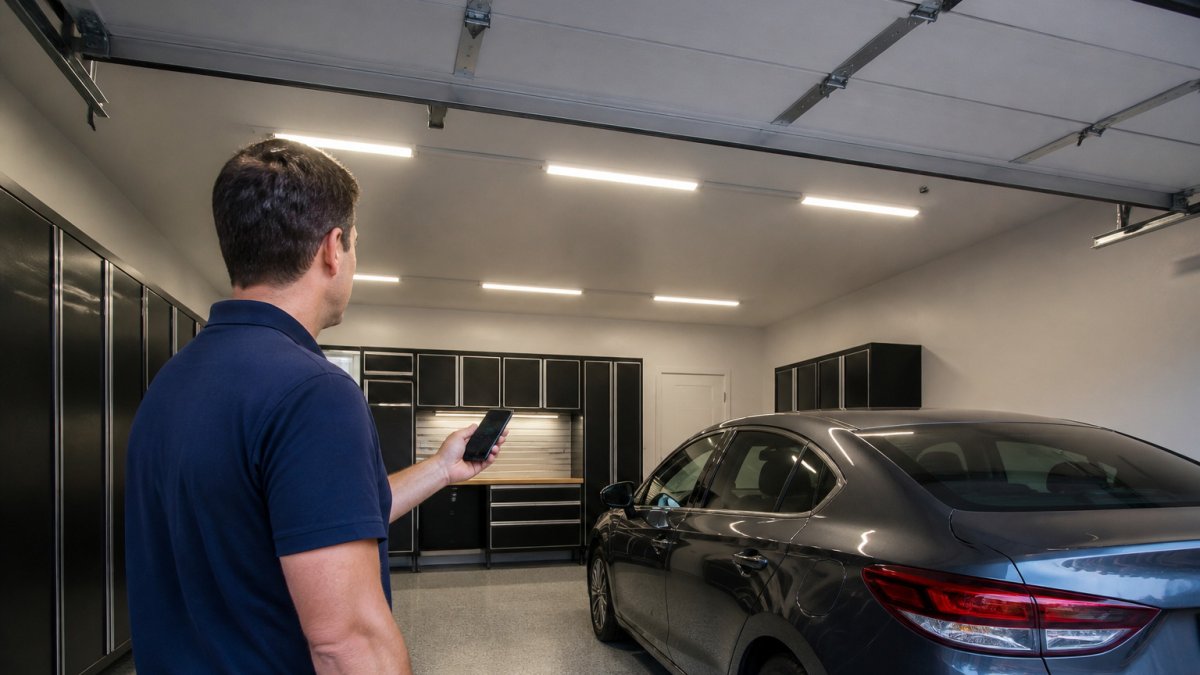
Good lighting also helps with safety. Our Lighting & Electrical page covers the lighting and power upgrades that make smart fixtures work reliably.
Schedule Your Private Garage Design Consultation →
For guidance on choosing fixtures and layouts, see our LED and Ambient Lighting 101 guide.
Garage Security Cameras and Monitoring
A garage camera gives you a live view of the space and a record of who came and went. Most homeowners want two things: a clear image of the door and vehicles, and alerts that tell them about motion without flooding their phone.
Choose a camera with night vision, weather resistance for the garage environment and local or cloud storage that fits your privacy needs. Position the camera to see the door and the parking area, not your neighbour’s windows.
Smart Garage Sensors for Door Status and Alerts
Sensors do the quiet work. A door sensor confirms whether the door is open or closed. A motion sensor notices activity when no one is supposed to be there. A temperature or humidity sensor can warn you about freezing or moisture, which matters in Calgary winters.
Place sensors where they see the most useful information. Mount door sensors on the door itself, and keep motion sensors out of direct sunlight, which can cause false alerts.
Connectivity, Privacy and Outage Planning
A smart garage depends on a network, so plan for the moments it fails. This is the part most guides skip, and it is where a connected door can either protect you or lock you out.
What Still Works When the Internet Drops
Know the difference between losing Wi-Fi and losing power:
- Internet down, power on. The opener still opens and closes from the wall button and the remotes. App control, remote status and alerts stop working until the connection returns. Automations that depend on the cloud pause.
- Power out. A standard opener stops. An opener with an integrated battery backup can still cycle the door a limited number of times, so you can get in and out. Check the manufacturer’s rated number of cycles and test it before you need it.
- Manual release. Every opener has a manual release cord or lever that disconnects the door from the motor so you can lift it by hand. Know where it is, and make sure every household member can reach it.
A manual release disconnects the door from the motor. If the door is heavy or the springs are worn, lifting it by hand can be difficult or unsafe. Test the release while someone is with you, not for the first time during an outage.
Building an Outage Plan
A short plan prevents being locked out:
- Keep a physical remote or keypad entry as a backup to the app.
- Confirm the battery backup is charged and test it on a schedule.
- Label the manual release and show household members how to use it.
Cybersecurity for a Connected Door
A device on your home network is only as safe as its password and update habits. A garage door is an access point, so treat it like one:
- Change the default password on every device and the app account at setup.
- Turn on two-factor authentication if the app offers it.
- Keep app and firmware updates turned on; updates often patch known vulnerabilities.
- Put smart devices on a separate guest or IoT network where your router supports it, so a compromised device cannot reach your computers.
Protecting Location and Camera Data
Geofencing and cameras collect sensitive information. Handle it deliberately:
- Review the app’s location permissions and set them to the minimum that makes geofencing work.
- Check where camera footage is stored, local card, manufacturer cloud or your own recorder, and choose based on your privacy comfort.
- Point cameras at your door and parking area, not at neighbouring windows or public spaces.
- Check local privacy rules before recording outside your property line, and tell household members and regular visitors that a camera is present.
Reliability and privacy are design choices, not afterthoughts. A backup remote, a tested manual release, a separate IoT network and a deliberate camera-storage decision cost little and prevent the two worst outcomes: being locked out, and exposing your home network.
Booking Your Garage Technology Plan With Lux Garages
A smart garage works best when the opener, lighting, cameras, sensors and network are planned together. Our A High-Performance Garage: Air, Vacuum, Pressure & Power page explains how air, vacuum, pressure washer and power needs fit into that plan.
Pricing depends on the scope of your project, the number of devices and the state of your existing wiring, so the most reliable next step is a consultation. Tell us about your garage and the features you want, and we will walk you through the options. Start your garage technology project with a short description of your space.
Frequently Asked Questions
What smart home technology can you use in a car garage?
The most common options are a Wi-Fi or Bluetooth garage door opener, LED lighting with motion or app control, security cameras, and door and motion sensors that send alerts to your phone. Many of these connect to a single smart-home hub or voice assistant. Pick devices that share a platform so they can be managed in one app. Check compatibility before you buy, since some older door tracks and openers need a retrofit kit. Start with the door opener and sensors, which deliver the most day-to-day value, then add lighting and cameras as your budget allows. Final pricing depends on the equipment you choose and the electrical work required, so request a quote from Lux Garages for an accurate estimate.
Can a smart garage door opener work with a home automation system?
Yes, most modern smart garage door openers integrate with popular home automation platforms and voice assistants. Integration usually works through the manufacturer’s app or a compatible bridge or hub. Before purchasing, confirm that the opener supports your existing system, because some platforms only connect to specific brands. Also confirm that your internet connection is reliable enough for remote control. Automations such as closing the door at a set time or when you leave the property are common and easy to configure once the devices are paired.
What smart devices improve garage security?
Useful devices include door sensors that report whether the door is open or closed, motion sensors that detect movement after hours, and cameras that record activity and send notifications. Door sensors and alerts give you immediate awareness of unexpected openings, while cameras provide evidence and remote viewing. Choose devices that store footage securely and offer two-factor authentication on the account. Keep firmware updated and change default passwords, since connected devices are a common entry point for attackers on home networks.
How do you make a garage part of a smart home?
Begin by selecting one central platform, then add devices that support it. Pair your opener, lighting and sensors to the app, and create routines such as turning on lights when the door opens or sending an alert if the door is left open. Test each automation after setup. Confirm that the garage devices stay connected during a power or internet outage, and note which functions still work locally. A professional installer can also check wiring and network coverage in the garage, which is often the weakest point for wireless signals.
